Classic
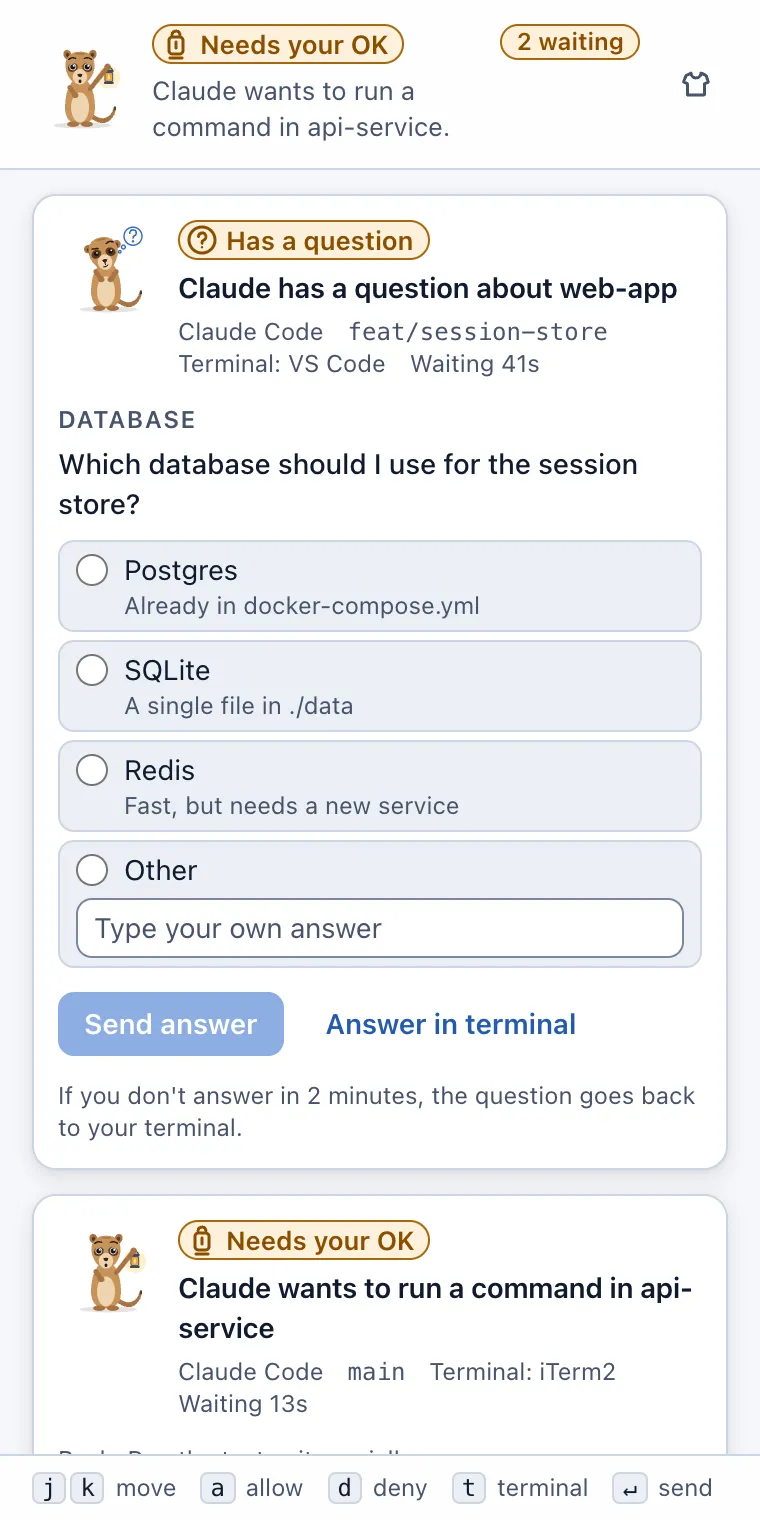
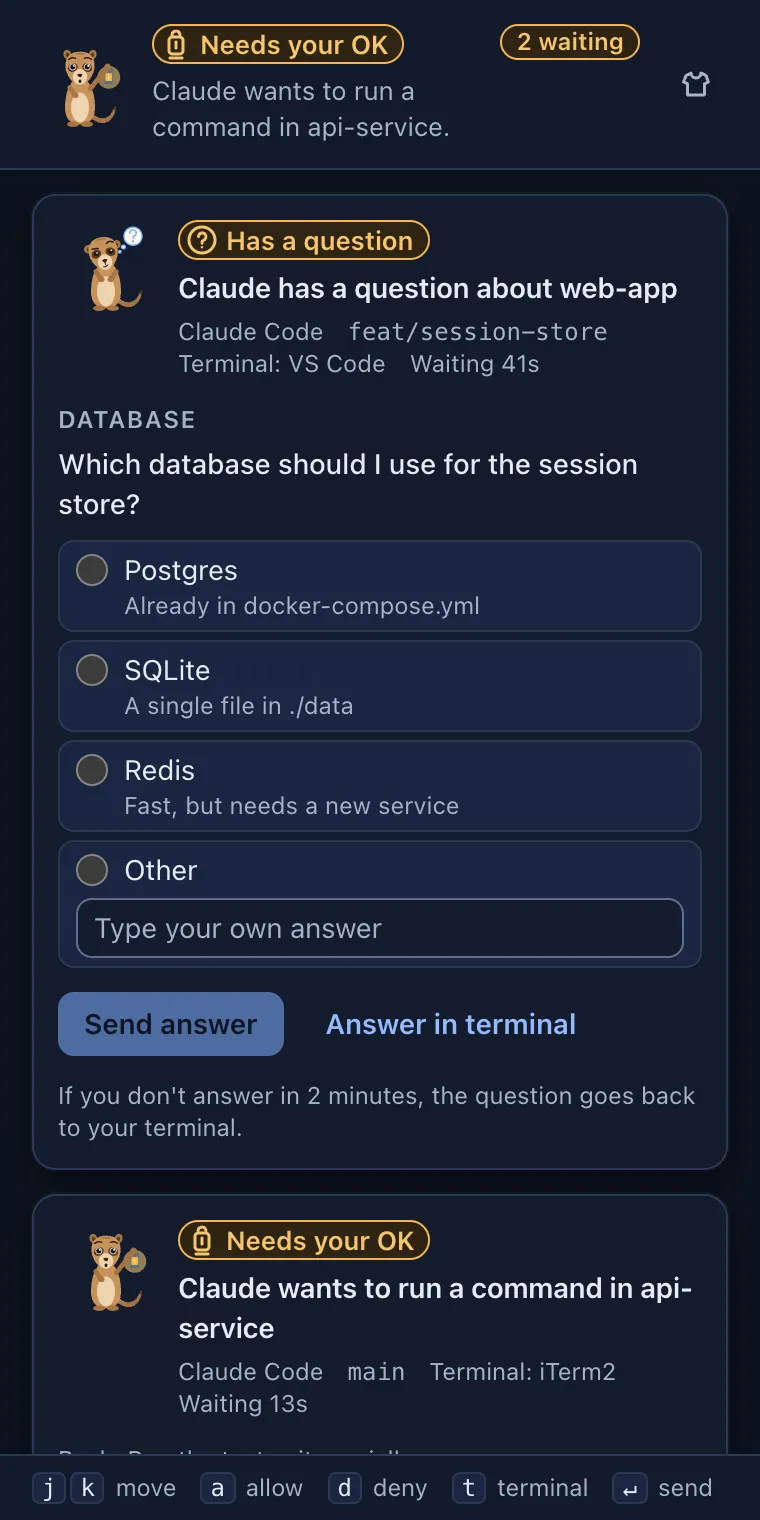
A popover under the meerkat in your menu bar. Requests stack as cards, oldest first, with the session's project, branch and terminal. Drive it from the keyboard.
- j k
- move
- a
- allow
- d
- deny
- t
- answer in terminal
- ↵
- send
An OpenVanguard project · v0.1 in development
Stop hunting for the right terminal. When Claude Code asks for permission, asks a question or finishes a task, Picket shows it in your menu bar, across every session. Answer there, and it goes straight back into the running session.

What reaches you
Run as many terminals as you like: iTerm2, Terminal, Warp, VS Code, tmux. Every session shows up on its own, with its project and terminal, and every answer goes back to the right one.
An agent wants to run a command or edit a file. You see the exact command, then Allow, Deny with a reason, or Answer in terminal.
Pick one of the agent's options or type your own. Your answer goes back as if you'd typed it in the session.
Read the plan the agent wrote, then approve or reject it before any work starts.
A task finished. Pip cheers, and with Chatty on he tells you which project it was.
Two styles
A popover under the meerkat in your menu bar. Requests stack as cards, oldest first, with the session's project, branch and terminal. Drive it from the keyboard.
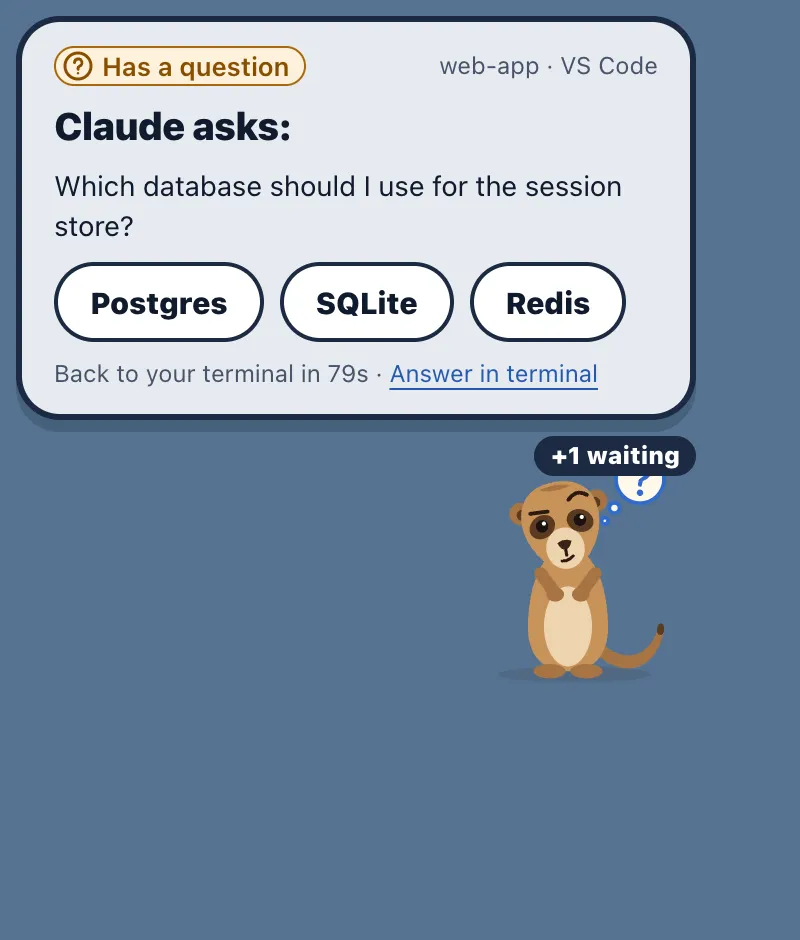
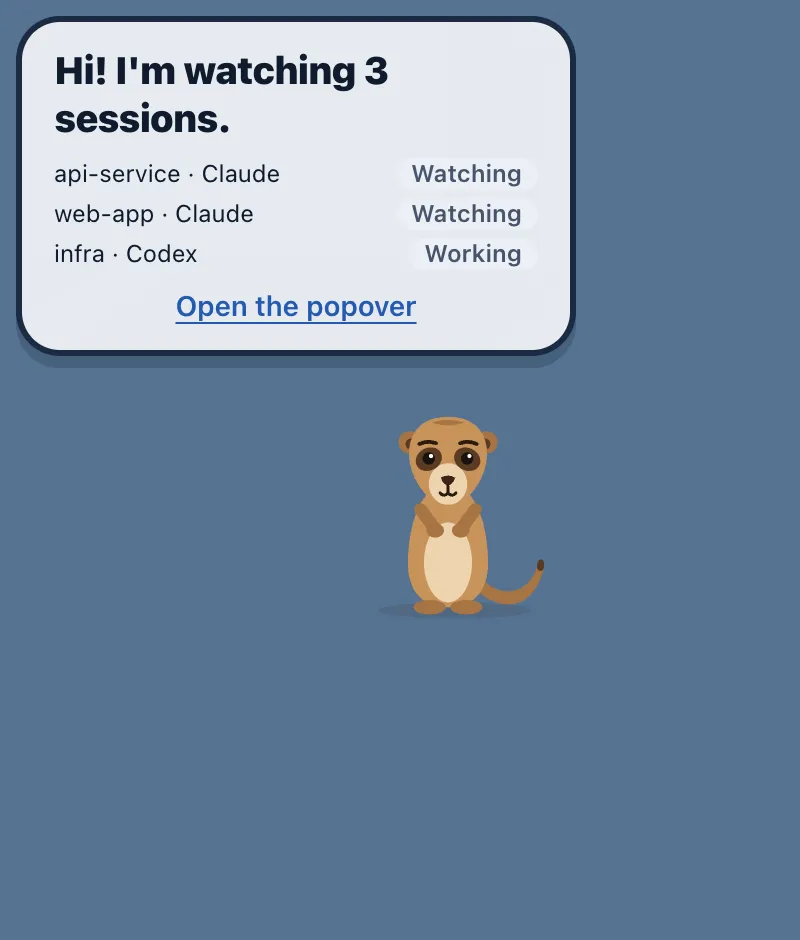
Pip lives in a corner of your desktop and pops up with a speech bubble when an agent needs you. Tap an option to answer a simple question. Click Pip for a round-up of your sessions.
How it works
Picket connects through Claude Code's hooks, small commands Claude runs at moments like “about to ask permission” or “turn finished”. picket install claude adds them for you, after showing exactly what it will change.
Claude Code in any number of terminals runs a Picket hook when it needs you.
claude · claude · claudeA short process forwards the request and waits for your answer.
picket hook claude …Keeps the queue for every session on a socket only you can open.
picket daemonAnswer in the menu bar, from Pip, or from a script.
Picket.app · picket ctlPermission prompts stay live in your terminal. Answer wherever is closer; the other side clears itself.
If the helper is down or a request times out, the hook steps aside and your terminal asks as usual.
Answer in the terminal or end a session, and its card disappears from Picket on its own.
Meet Pip
Meerkat colonies post a sentry that watches and calls out when something needs attention. That's Pip's job too. Every state has its own pose, and always its own label, so the face is never the only signal. Pick a character below and see.
An agent wants to run a command or edit a file.
Privacy and safety
~/.picket/picket.sock, mode 0600, in a 0700 folder. No TCP listener.~/.claude/settings.json, shows a diff and asks first. It touches only its own entries.Install
There's no signed download yet, so you build Picket from source. You need macOS 13 or later (tested on macOS 15) and Claude Code.
$ xcode-select --install
$ brew install rustup node pnpm
$ rustup default stable$ git clone https://github.com/openvanguard-dev/Picket.git && cd Picket
$ cargo install --path crates/picket --locked
$ (cd apps/picket-app && pnpm install && pnpm tauri build --bundles app)
$ cp -R target/release/bundle/macos/Picket.app /Applications/$ open /Applications/Picket.app
$ picket install claude # shows a diff, asks before writing
$ picket doctor # checks hooks, settings and the helperThen restart your Claude Code sessions, since Claude reads hooks when a session starts. The source repository opens to the public with the first release.
Open protocol
Like every OpenVanguard project, Picket is a protocol first. Its parts talk in newline-delimited JSON over the local socket, with a written spec, JSON Schemas and conformance tests. Any UI, script or agent adapter can join:picket ctl is one such client, and an adapter for another coding agent is another.
# → to the helper
{"type":"hello","protocol":"picket/0.1","role":"ctl","client":{"name":"me","version":"0"}}
{"type":"list"}
# ← back
{"type":"welcome","protocol":"picket/0.1","daemon":{"version":"0.1.0"}}
{"type":"snapshot","sessions":[{"agent":"claude","project":"api-service","state":"working",…}],"pending":[]}
Questions
No. Picket talks to Claude Code through a socket only your user can open. There is no network listener, no cloud service and no telemetry. Prompts are kept in memory, and only while they wait for you.
Claude Code behaves exactly as if Picket weren't installed. The hook finds no helper, prints nothing, and your terminal prompt appears as usual. The same happens if a request times out.
Yes. Permission prompts stay live in the terminal too, and the first answer wins. Claude Code can show a question in only one place at a time, so Picket holds it for up to 30 seconds and then hands it back. Answer in terminal hands it back at once.
In auto mode, or with broad allow rules such as Bash(*), Claude rarely asks for permission, so you'll mostly see questions and finished tasks. picket doctor tells you when that's the case. Picket never changes those settings.
macOS with Claude Code today, verified on Claude Code 2.1.328. Codex support is planned. Windows and Linux are designed in and come later.
Nothing. Picket is open source under the Apache-2.0 licence.